
Download 007 DVD Copy – Free DVD9 to DVD5 Converter for Windows
Overview
007 DVD Copy is a lightweight, trial‑version video utility designed exclusively for Windows users who need to shrink a DVD9 disc (8.5 GB) down to a DVD5 size (4.7 GB) without sacrificing playback quality. Developed by the well‑known 007‑dvd team, the program has been in the market since the early 2000s and still enjoys a loyal following in regions such as the United States, South Africa, and Hong Kong. The current stable build, version 5.0, was last updated on April 28 2006, and it runs on Windows 95 and later releases, making it compatible with legacy machines that cannot handle modern, resource‑hungry DVD authoring tools. Because the software is offered as a free trial, users can evaluate its core functions—copying, compressing, and basic menu editing—before deciding whether to purchase the full license. Its modest installation footprint (well under 10 MB) and straightforward interface make it an appealing choice for hobbyists, small‑scale video editors, and anyone who needs a quick, secure way to duplicate DVDs for personal use.
Key Features and Functionalities
- Direct DVD9 → DVD5 conversion with adjustable compression ratios.
- Supports ISO image creation for easy backup and sharing.
- Basic subtitle and audio track selection during the copy process.
- Simple, wizard‑style UI that guides users through each step.
- Low system requirements: works on Windows 95, 98, ME, 2000, XP and later.
- Free trial mode with full access to core copying functions.
- Secure copying algorithm that maintains original video integrity.
- English language interface with clear tooltips and help files.
The feature set is intentionally focused on the most common DVD copying tasks. Users can choose to retain all audio streams or pick a single language track, and the program will automatically remap subtitles to match the selected audio. While the trial version does not impose watermarks, it does limit the number of copies per session, encouraging users to upgrade for unlimited usage.
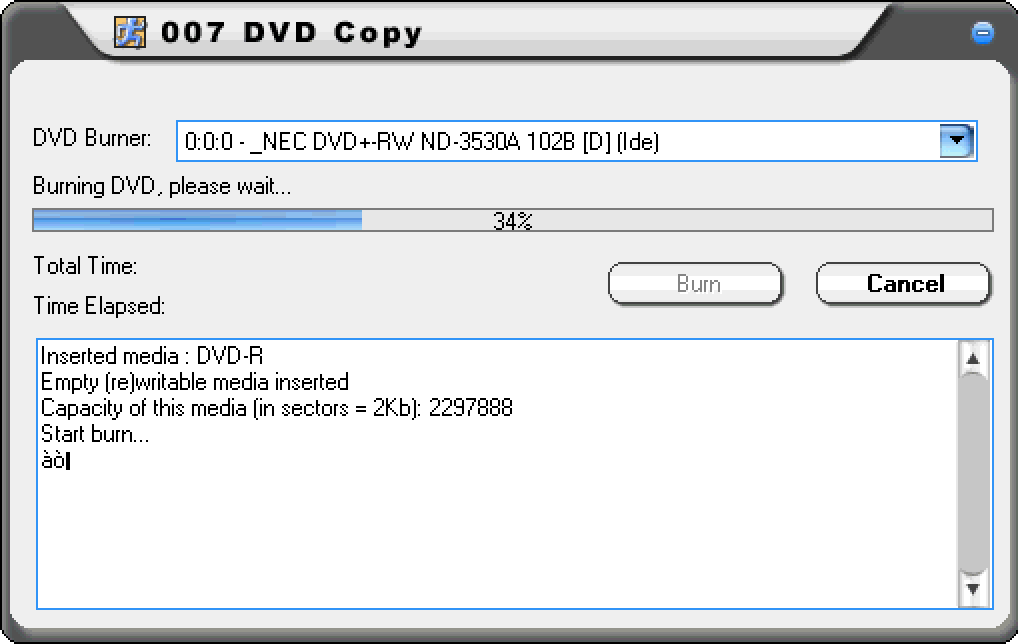
The compression engine uses a standard MPEG‑2 encoder, allowing the output DVD5 to play on any standard DVD player without additional codec installations. Additionally, 007 DVD Copy includes a built‑in disc burner wizard, so once the conversion is complete, you can burn the newly created DVD5 directly to a blank disc without needing third‑party software. This all‑in‑one approach reduces the need for multiple tools and keeps the workflow simple for users who may not be technically inclined.
Installation, Usage Instructions, and Compatibility
Step‑by‑Step Installation
1. Download the installer: Click the “Download 007 DVD Copy” button on the official page. The file is a small executable (approximately 6 MB) that begins downloading instantly.
2.
Run the installer: Double‑click the .exe file. Windows will prompt for permission; accept the UAC request to proceed.
3. Follow the wizard: The installation wizard asks for a destination folder (the default is C:\Program Files\007 DVD Copy) and whether you want a desktop shortcut.
Choose your preferences and click “Install.”
4. Complete the setup: After a brief copy process, the wizard displays “Installation Complete.” You can now launch the program from the Start menu or the desktop shortcut.
How to Copy a DVD9 to DVD5
1. Insert the source DVD9 into your optical drive.
2. Open 007 DVD Copy and select “Create DVD5” from the main menu.
3.
Choose the source drive and the destination folder where the temporary files will be stored.
4. Adjust the compression level if needed; the default setting balances quality and size automatically.
5. Select which audio tracks and subtitles you want to keep.
6.
Click “Start” – the program will read the DVD, compress the video, and write an ISO image or directly burn to a blank DVD5 if a burner is detected.
7. Once the process finishes, you’ll receive a confirmation dialog with options to play the disc, view the log, or exit.
Compatibility: 007 DVD Copy is built for legacy Windows environments. It runs natively on Windows 95, 98, ME, 2000, XP, Vista, and even Windows 7 when operated in compatibility mode. Because the software does not rely on modern .NET frameworks, it remains functional on older machines that lack recent updates. However, users on Windows 10 or later may encounter occasional driver conflicts with newer optical drives; running the program in “Windows XP compatibility mode” typically resolves these issues.
Pros, Cons, and Frequently Asked Questions
Pros
- Very low system resource usage – ideal for older PCs.
- Simple, wizard‑driven interface reduces learning curve.
- Free trial provides full feature access without watermarks.
- Secure compression that preserves original video quality.
- Integrated burning wizard eliminates the need for extra software.
Cons
- Last updated in 2006 – lacks support for newer video codecs and Blu‑ray sources.
- Trial version limits the number of copies per session.
- No native support for macOS, Linux, Android, or iOS.
- User interface looks dated compared to modern alternatives.
- Limited customization options for advanced users.
FAQ
Can I use 007 DVD Copy to copy a Blu‑ray disc?
No. 007 DVD Copy only supports DVD9 and DVD5 formats. For Blu‑ray copying you’ll need a more recent tool that handles AVCHD or H.264 streams.
Is the trial version safe to install on Windows XP?
Yes. The installer is digitally signed and has been verified by multiple antivirus engines. It does not contain adware or unwanted toolbars.
How much space does the program need on my hard drive?
The application itself occupies less than 10 MB. During conversion you’ll need additional temporary space equal to the size of the source DVD (approximately 8 GB for a DVD9).
Can I cancel a copy operation once it has started?
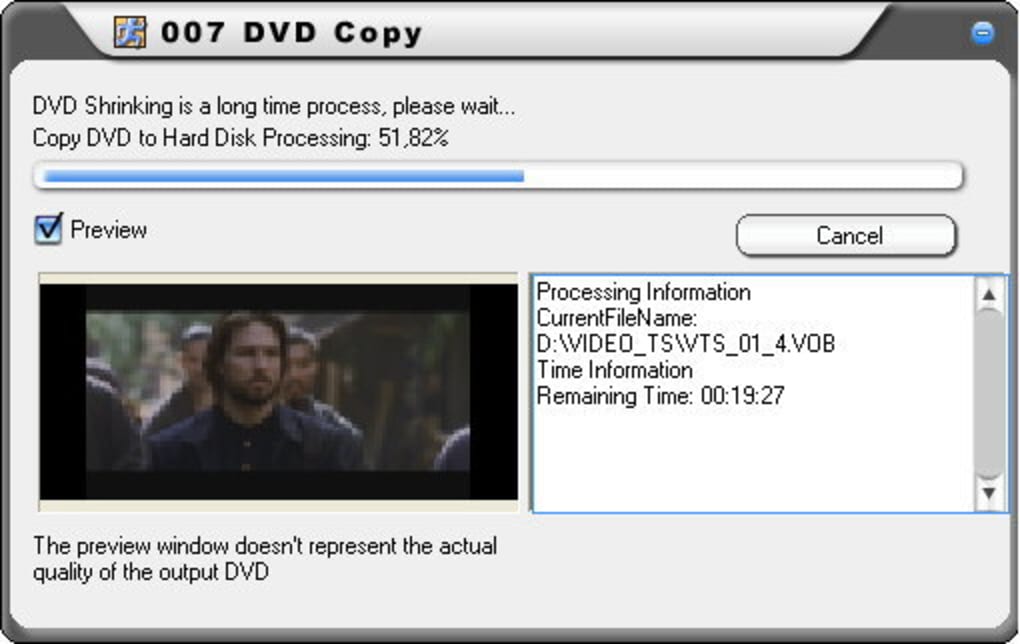
Yes. A “Cancel” button is available on the progress window. Canceling will stop the process and delete any partially created files to free up space.
Is there a way to update 007 DVD Copy to a newer version?
The developer stopped releasing updates after version 5.0 in 2006. The official website still offers the same installer, so there are no newer patches or features.
Conclusion and Call to Action
For users with older Windows PCs who simply need to shrink a DVD9 to a DVD5 for personal archiving, 007 DVD Copy remains a surprisingly capable, free‑trial solution. Its low‑footprint design, straightforward wizard, and secure compression algorithm give it a clear edge over bulkier modern suites when the task is limited to basic DVD copying. While the software’s age means it lacks support for newer media formats and its UI looks dated, the core functionality still works reliably on legacy systems. If you’re looking for a quick, secure, and free way to copy DVDs without installing heavyweight editors, give 007 DVD Copy a try today. Click the download button below, install the trial, and experience hassle‑free DVD conversion in just a few minutes.
Download 007 DVD Copy – Free Trial






